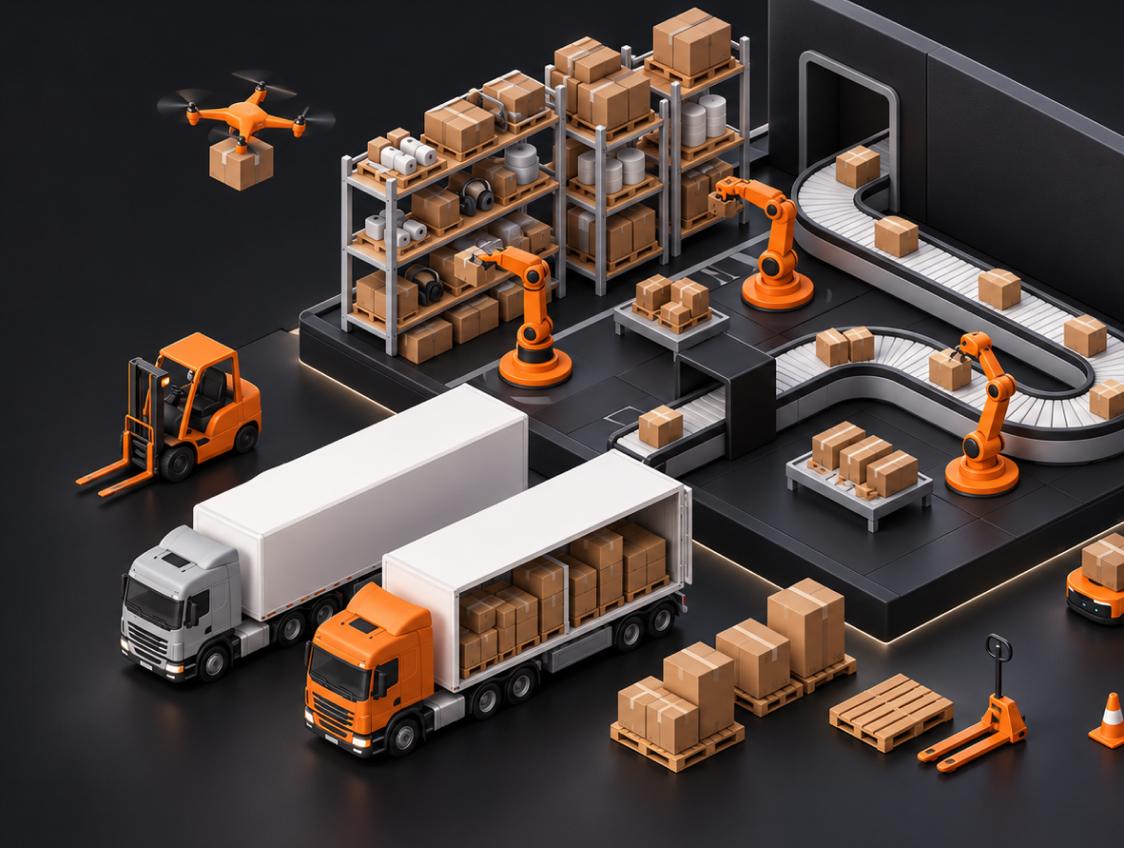
It seems like all B2B Tech websites are starting to look similar.
Dark gradients, floating images of dashboards, 3D objects generated by ai and large messaging around “we’ll transform your work flow.” When selling your SaaS, Enterprise AI, Fin-Tech or other tech based products how can you showcase your product in an interesting manner.
That’s where 3D/WebGL can come into play. When done right it can showcase your product in an informative and interactive way. Done incorrectly your site can be slowed down and become over the top. Taking away from what your product is trying to sell.
Its not if 3D will impress someone but if it can convey what your product does to them.
When 3D Creates Real Business Value
They aren’t buying animation. They’re assessing how safe the buy is. If your product can become more understandable with 3D/WebGL then you have a tool.
1. They make complex products easier to explain
Some products are hard to communicate through copy and static screenshots alone:
- AI workflows and agent systems
- Cybersecurity infrastructure
- Cloud platforms and data pipelines
- Fintech ecosystems
- Supply-chain or logistics software
- Enterprise platforms with multiple user roles
A purposeful 3D interaction can show how data moves, how product components connect, or how a workflow develops over time. Instead of reading several paragraphs about an invisible process, a visitor sees the logic behind it.
The visual should support the value proposition—not replace it.
2. They give the brand a distinctive visual idea
Having a good 3D concept for your website will help customers remember your site throughout their long B2B sales journey. You can use 3D to help build out your brands story and not rely on stock images or common card UI. Yet another SaaS landing page.
When you are trying to sell into a saturated market this becomes very important. There are many products that are quick, safe, smart and scalable. Having a story around your product will help set you apart from the competition.
3. They create confidence when paired with clear UX
Premium visual execution can support perceived product maturity—but only when the fundamentals are already strong.
That means:
- A clear headline
- A visible value proposition
- Fast access to the primary CTA
- Proof through product visuals, cases, or metrics
- A clean mobile experience
- Consistent brand and product design
3D is an amplifier. It cannot fix unclear positioning or weak conversion structure.
The Difference Between Conversion-Driving and Conversion-Killing 3D
| Area | Conversion-driving 3D | Conversion-killing 3D |
|---|---|---|
| Purpose | Explains product logic, a workflow, or a key benefit | Exists only to look visually impressive |
| Place on the page | Supports the hero or a high-value product section | Appears in every section and competes with the content |
| Performance | Loads progressively and has a graceful fallback | Delays the first meaningful view of the page |
| Mobile experience | Adapts to screen size and device capability | Forces the same heavy scene onto every device |
| Conversion role | Draws attention toward the message and CTA | Distracts users from the message and CTA |
| Brand impact | Feels connected to the product and identity | Feels like a trend added on top of the website |
The best interactive experience feels inevitable: it makes the product story clearer. The worst one feels separate from the business it is supposed to represent.
The Main Risks of WebGL in B2B Websites
Slow Loading and Poor First Impression
A purposeful 3D or WebGL experience can make your website more memorable throughout a long B2B sales cycle. It helps turn an abstract product, platform, or technical workflow into a distinctive brand story—without relying on stock imagery, generic visuals, or another familiar SaaS card layout.
This matters most in saturated markets, where every product claims to be faster, safer, smarter, and more scalable. A clear visual narrative gives buyers a reason to remember your product and distinguish it from the competition.
When 3D is connected to the actual value of the product—such as showing how data moves, how an AI workflow operates, or how different parts of a platform work together—it does more than make the website look premium. It gives visitors a faster, more intuitive way to understand what your company does and why it matters.
Weak Mobile Experience
A desktop scene may not be appropriate for a mobile device. Complex real-time interactions can consume battery, reduce responsiveness, or simply make the page difficult to use on a smaller screen.
A strong implementation plans for alternatives from the beginning:
| Device or connection | Recommended experience |
|---|---|
| High-performance desktop | Full interactive WebGL experience |
| Standard laptop or tablet | Optimized version with fewer effects |
| Mobile device | Lightweight animation, short video loop, or static visual |
| Slow connection | Fast-loading still image before optional enhancement |
The goal is not to force the same technology everywhere. It is to preserve the same product story across every device.
Visual Noise That Hides the Value Proposition
Your visitor should not have to figure out what your page is about. When you have too much going on with your 3D image or objects covering your CTA. If your user doesnt know what to look at your visual is hindering your ability to convert. This is especially true for B2B.
Best Practices for 3D and WebGL on B2B Websites
Start With the Story, Not the Effect
Before designing a scene, define the role it will play.
Ask yourself:
- What am I trying to portray?
- What do you want your customer to learn from this?
- Will this make it easier for them to understand your message?
- Is this helping drive your visitor to take action?
If the answer is only “it will make the site look more premium,” the concept needs more work.
Keep the Most Important Content Outside the Canvas
Your core content should remain readable and accessible even if the interactive layer does not load.
This includes:
- The headline
- Primary CTA
- Navigation
- Core product proof
- Essential product information
The 3D scene should enrich the experience, not carry the entire message.
Build Performance Into the Creative Process
Performance is a design decision, not a task to solve after the visual is finished.
A practical workflow includes:
- Setting a performance budget before production
- Simplifying geometry where the user will not notice detail
- Compressing textures and assets
- Loading scenes only when needed
- Testing on different devices and network conditions
- Preparing static or motion fallback assets from the beginning
This requires designers, 3D artists, and developers to work as one team—not as separate handoffs.
Use Interaction With Restraint
Not every visual needs to be draggable, scroll-reactive, or filled with particles.
The best interaction is often subtle:
- A product object responding to scroll
- A data flow that reveals a process
- A model rotating to expose key components
- A visual transition that introduces the next product feature
The interaction should reward attention without demanding it.
A Simple Decision Framework
Use this before adding WebGL or interactive 3D to a website.
| Question | If the answer is “yes” | If the answer is “no” |
|---|---|---|
| Does it explain a complex product or process? | Explore an interactive concept | Consider a static visual or product UI |
| Does it reinforce the brand’s visual identity? | Develop it as part of the brand system | Avoid adding it as decoration |
| Can the essential page content load without it? | Use progressive enhancement | Redesign the page structure |
| Is there a clear fallback for mobile and lower-end devices? | Move into development and testing | Create fallback assets first |
| Does it guide attention toward product value or a CTA? | Keep the interaction focused | Simplify or remove the effect |
Frequently Asked Questions
Will WebGL hurt your SEO?
As long as your page isn’t slow loading and doesn’t jump around or have hidden content. If you can follow those rules then there shouldn’t be any issues.
Should I use 3D for my b2b website?
Its all dependent on what type of company you have. If your product/service is something people may struggle to understand then using 3D is a great option. Having no 3D but having an informative website will always be better then having a confusing website with 3D.
Can you use 3D & WebGL on Mobile?
Absolutely you can use WebGL on mobile however you want to think about how you want it to look. Maybe even have a video that loops in place of your WebGL scene.
How much will my WebGL website cost?
This will depend on how many scenes you need to create. Interaction, 3d assets you’ll need created, CMS, Products and how many different fallbacks you may need. Always start with what you want to accomplish with the interaction and go from there.
Build Digital Experiences With a Purpose
Interactive 3D and WebGL should never be an afterthought. Their role is to support your brand story, make complex products easier to understand, and give visitors a reason to remember your business.
At Nixtio, brand strategy, UX/UI, web design, development, 3D, and motion work together as one process. We consider every part of the digital experience—from the first impression to the final interaction—so the result does not just look distinctive. It gives your product a clear, cohesive presence in a crowded market.
Want to explore whether 3D can support your product story?
Talk to Nixtio about your project →
Build Your Next Product With Nixtio
A SaaS company should not need a different contractor for its brand, product, website, and motion work. Separate teams can leave you with an impressive site that feels disconnected from the product, or a design system that cannot grow with you.
Nixtio brings brand, UX/UI, websites, web apps, development, 3D, motion, and launch support together. Tell us what you are building next.